Planning a media wall: TV size, viewing height, fires and cables
A media wall should make your living room calmer, not busier. Get the measurements, the electrics and the fire right before you think about finishes.
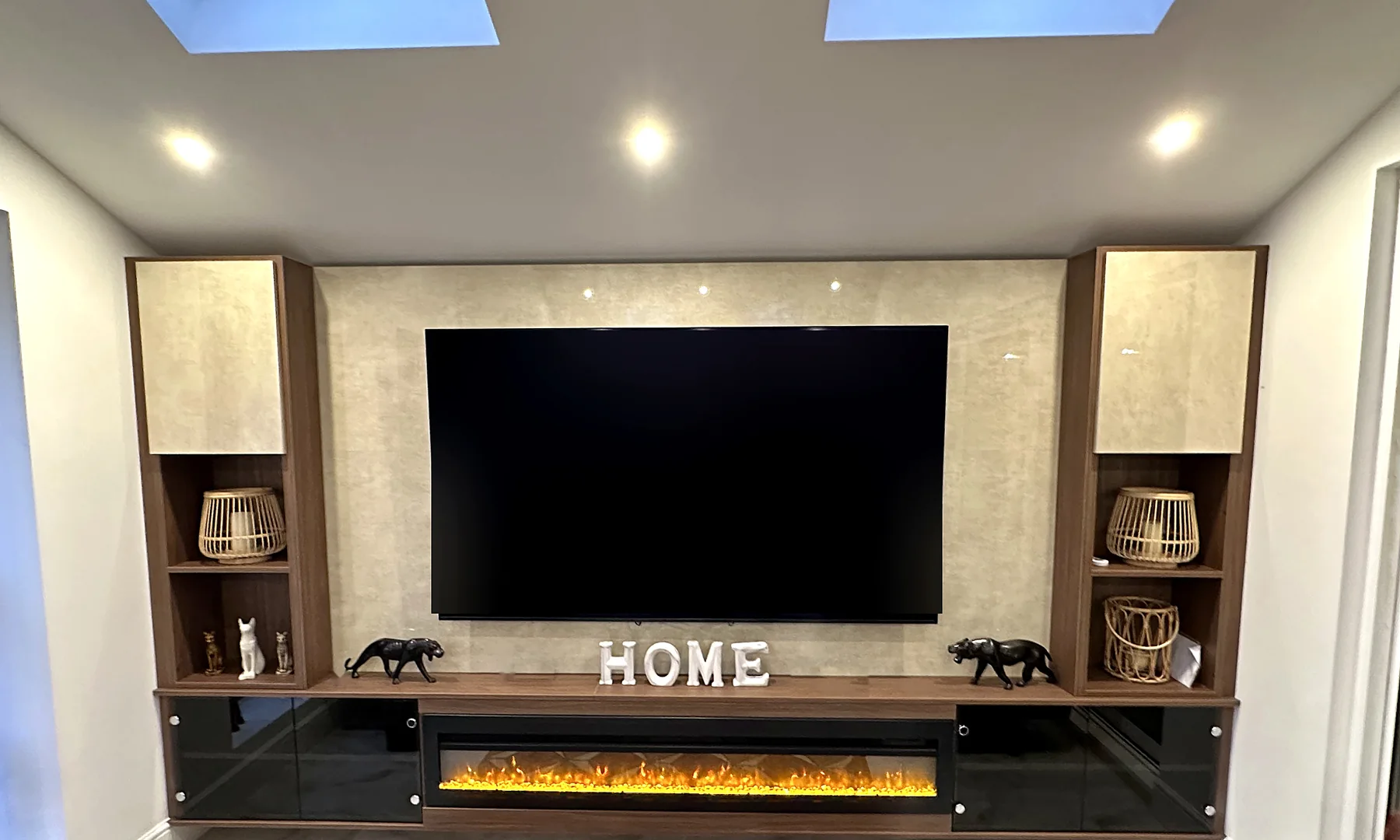
A media wall brings the TV, fire, speakers and storage together into one designed wall. Done well, it becomes the calm focal point of the living room and hides the tangle of cables and boxes that usually surrounds a television. Done badly, it puts the screen too high, overheats the electronics and makes the room feel smaller. This guide covers the decisions to make first.
Choose the screen size first
The media wall is designed around the TV, so settle on the screen before anything else — and leave a little room in case you upgrade later. As a rough guide for 4K TVs, a comfortable viewing distance is about 1 to 1.5 times the screen’s diagonal. If your sofa is around 2.5 metres away, a 65-inch screen will usually feel immersive without being overwhelming.
Get the height right
The most common mistake is mounting the TV too high, usually to fit a fire underneath. Looking up at a screen for an evening is uncomfortable. Aim for the centre of the screen to sit close to your eye level when you’re seated — typically around 100–110cm from the floor, depending on your sofa. If you want a fire too, a wide, low-profile fire beneath the screen keeps the TV at a comfortable height.
Plan the electrics and cables
This is where good planning pays off. Before the wall is built, list everything that will connect to it:
- the TV, soundbar and any speakers;
- streaming boxes, games consoles, the router or set-top box;
- the fire, lighting strips and any smart controls.
Plan sockets behind the TV and inside the cupboards, and a clear route for HDMI and data cables between them, so you can add or replace devices later without opening up the wall. Any new circuits or sockets should be installed by a qualified electrician.
Electric fires: clearance and ventilation
Most media walls use electric fires, which are simple to install and don’t need a chimney. They still produce heat, so follow the manufacturer’s guidance on clearances and ventilation — especially the gap between the fire and the TV above it. The heater can usually be switched off, so you can enjoy the flame effect all year round.
Ask for an access panel. A removable panel behind the TV or inside a cupboard lets you reach cables, sockets and the fire’s wiring without dismantling anything.
Storage around the screen
A media wall is more than a TV surround. Cupboards at the base hide consoles and boxes; open or glass-fronted shelves either side display books and objects. Anything that needs a remote signal should sit behind glass or on open shelving — or use an IR repeater so the doors can stay closed. Leave space and airflow for anything that gets warm.
Proportions in the room
Think about the wall as a whole. It should feel balanced with the room: wide enough to frame the TV generously, deep enough to hide equipment — often 30–45cm in the central section — and not so deep that it crowds the sofa. Keeping the sides shallower and the centre deeper adds depth and shadow without eating into the floor.
The best media walls start with practical decisions — screen size, viewing height, power and ventilation. Get those right and the design can do what it should: make the room feel calmer, warmer and more finished.
Keep reading
-
 Media Walls
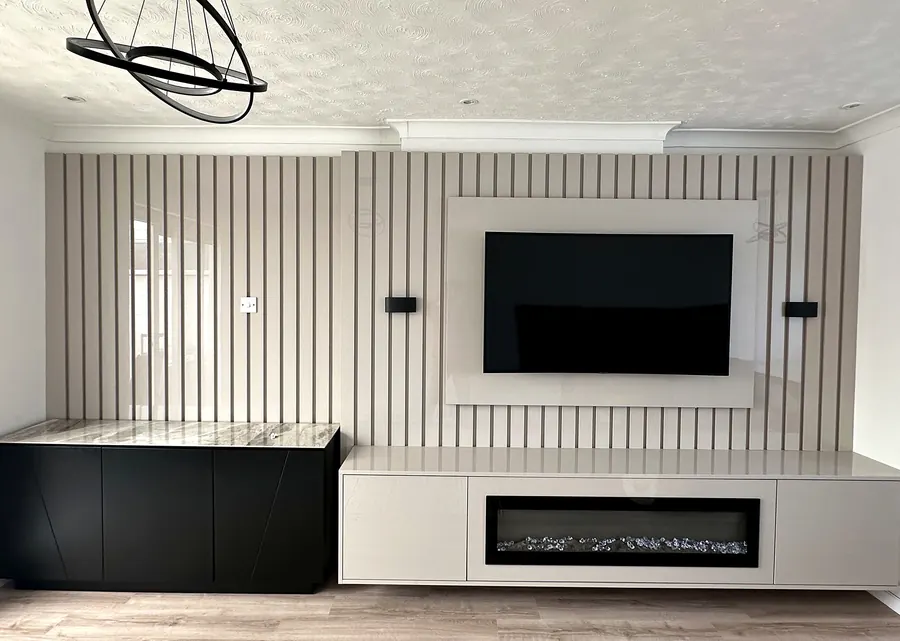
Slats, stone or lit shelving: choosing a media wall finish
Once the layout is fixed, the finish sets the mood. How timber slats, stone effects, paint and lighting compare on a media wall.
4 min read Read article -
 Media Walls
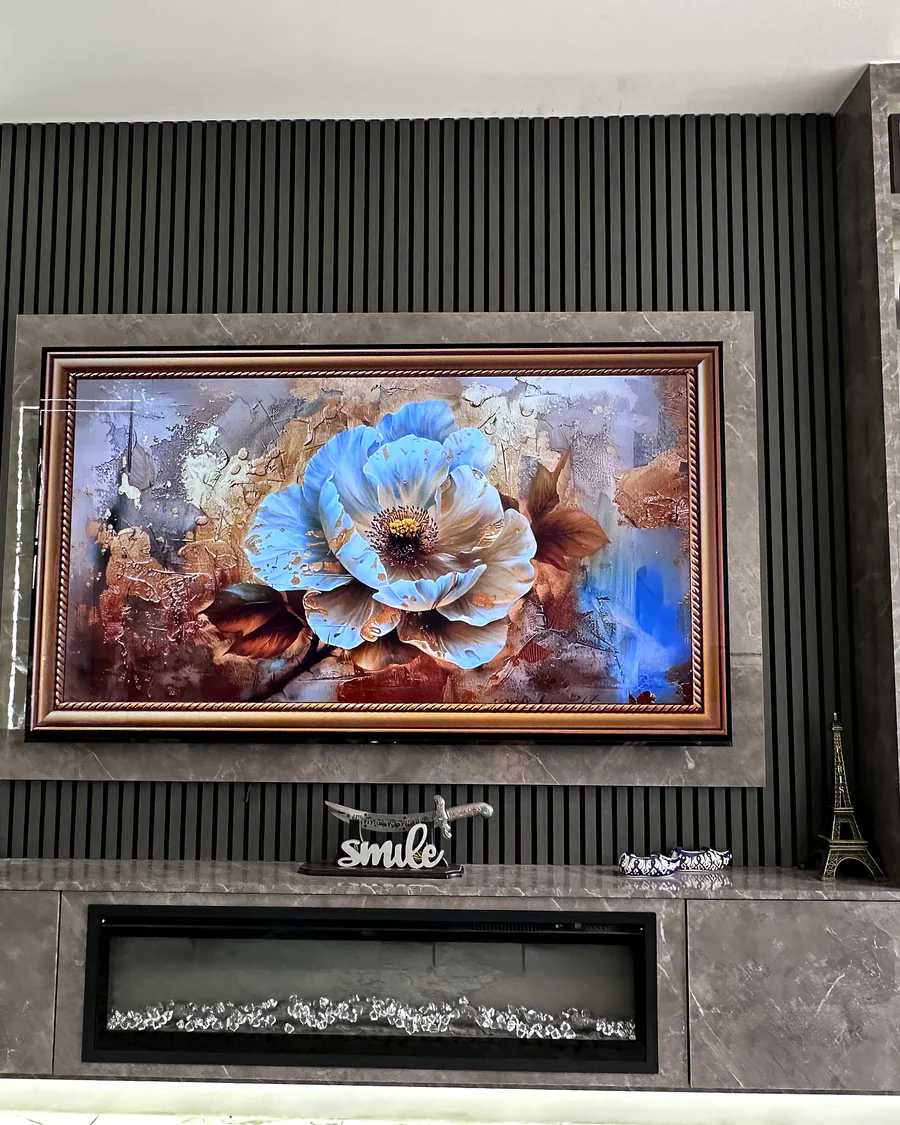
Electric fires in media walls: what to know before you choose
A built-in fire makes a media wall the warm heart of the room. How to choose the fire, where to place it and what it needs behind the scenes.
4 min read Read article -
 Media Walls
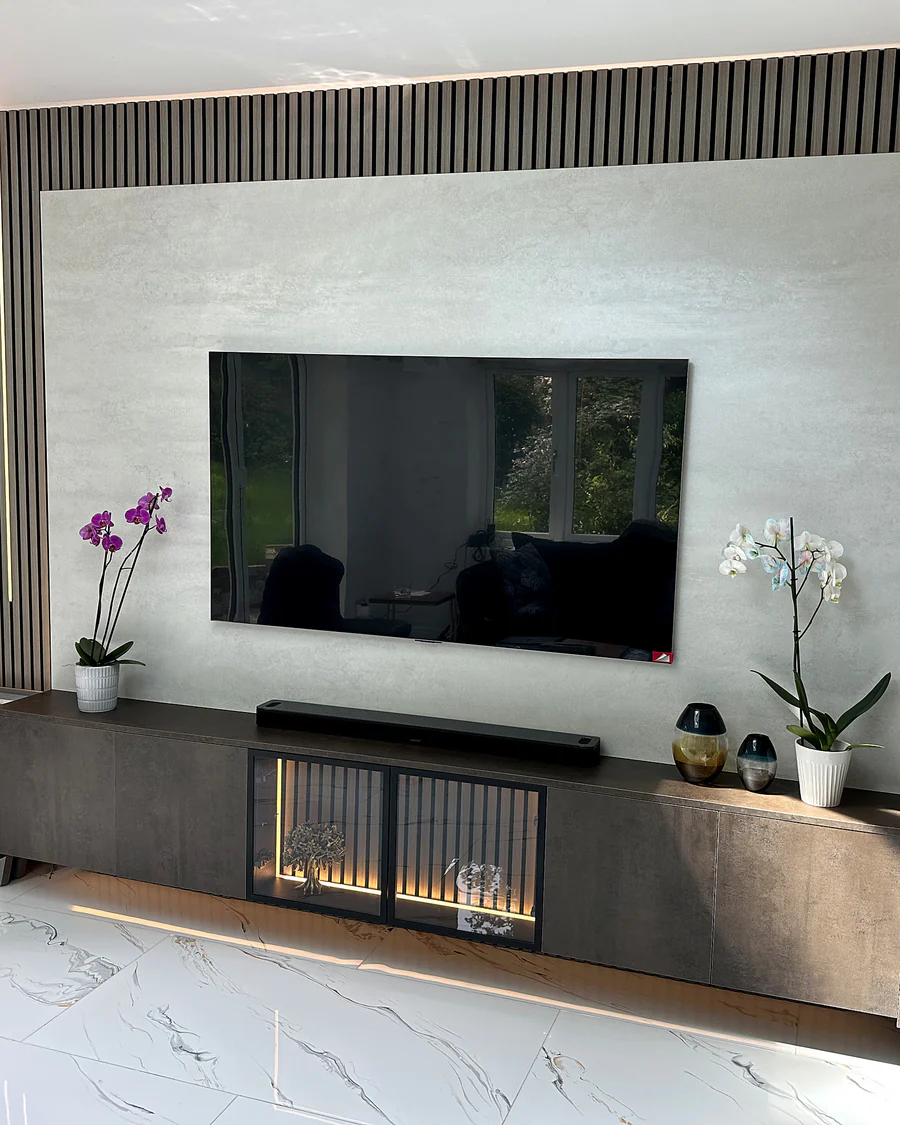
Media wall or TV unit? How to choose for your living room
A TV unit is quick and flexible; a media wall hides every cable and becomes part of the room. How to decide which suits your space.
4 min read Read article