Lighting a home office: daylight, task light and no glare on screen
Bad lighting is the quickest way to make a home office tiring to work in. How to place the desk for daylight, light the work in front of you and keep reflections off the screen.
Most of us notice bad lighting only when it starts to give us headaches: a bright window behind the screen, a single ceiling light that casts shadows over the keyboard, or a room that feels gloomy by mid-afternoon. A home office lit well is easier to concentrate in and far more pleasant to spend a day in.
Start with daylight
Where the desk goes matters more than any light fitting. The best position is usually side-on to the window, so daylight falls across the desk rather than straight into your eyes or onto the screen. A window directly behind the monitor makes it hard to see; a window directly behind you puts glare on the screen. If the room allows, try the desk in a few positions at different times of day before anything is built.
Task lighting
Task lighting lights the work in front of you. An adjustable desk lamp or a slim LED set under a shelf above the desk lights papers and the keyboard without spilling onto the screen. If you write, sketch or read a lot, put the light on the side opposite your writing hand to avoid casting your own shadow.
Ambient light
Soft, even background light reduces the contrast between a bright screen and a dark room, which is one of the main causes of eye strain. Downlights placed away from the screen, a lit ceiling cove or a central pendant on a dimmer all work well. Avoid a single bright light directly above the desk, which tends to reflect in the monitor.
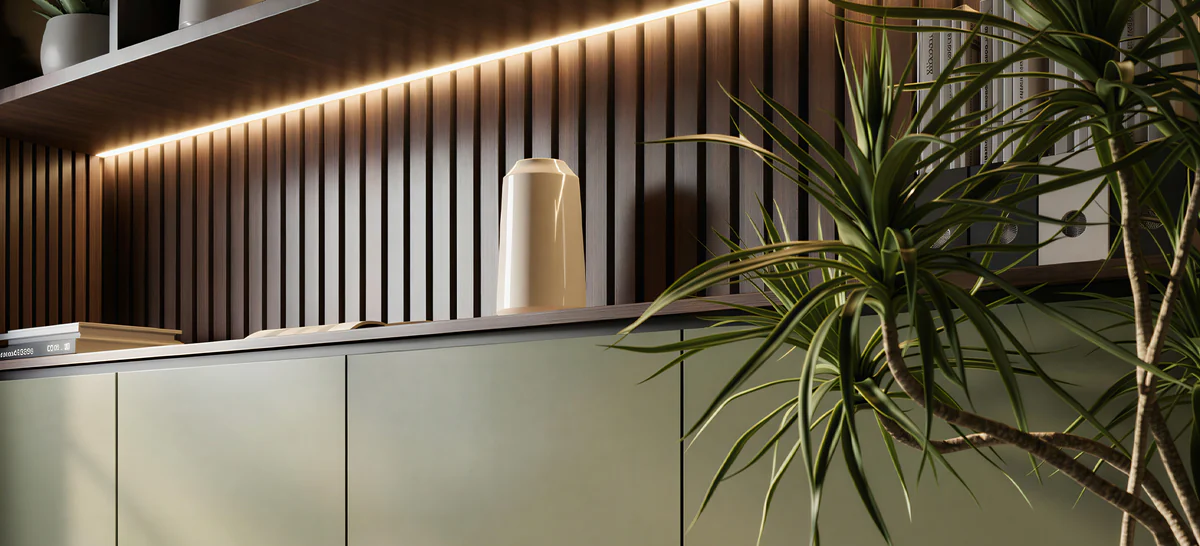
Light the joinery. LED strips along bookshelves, a lit pelmet over a run of cupboards or a glow behind a slatted panel give the room warmth and depth — and make it feel like somewhere you want to be, not just somewhere you work.
Colour temperature
A neutral to warm white, around 3000–4000K, suits most home offices. Cooler light can feel more alert during the day, warmer light more relaxed in the evening. Tunable or dimmable fittings let you change the mood as the day goes on, which is useful if the room doubles as a snug or guest room.
Lighting for video calls
- Face the light: a window or soft lamp in front of you lights your face evenly.
- Avoid a bright window behind you, which turns you into a silhouette.
- A softly lit shelf or panel behind you makes an attractive, uncluttered background.
- Keep overhead downlights away from directly above your head.
Plan it with the furniture
Built-in desks, shelving and cupboards are the ideal place to hide lighting and cables. Planned together, the lights sit exactly where they’re needed, the switches are within reach of the chair, and there are no trailing wires.
Good lighting won’t make the work itself easier, but it will make the hours spent at the desk far more comfortable — and the room much nicer to walk into.
Keep reading
-
 Home Offices
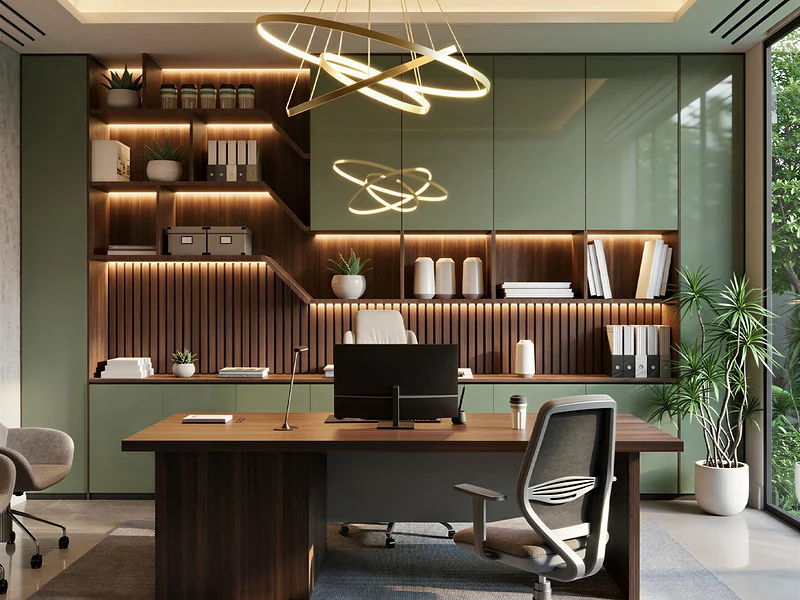
Home office design: how to build a workspace you’ll actually use
A good home office isn’t about an expensive desk. Light, storage and layout decide whether you work there every day — or drift back to the kitchen table.
4 min read Read article -
 Home Offices
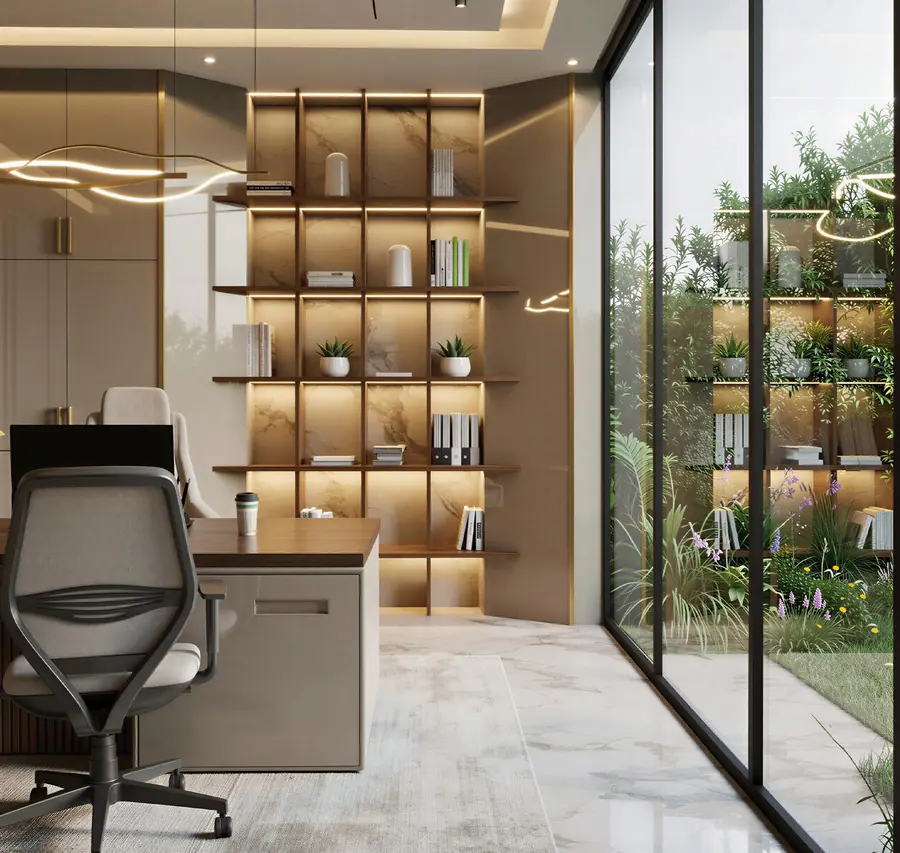
No spare room? How to fit a real workspace into a small home
You don’t need a dedicated study to work well at home. How to turn a bedroom corner, alcove or landing into a workspace that closes away.
4 min read Read article -
 Home Offices
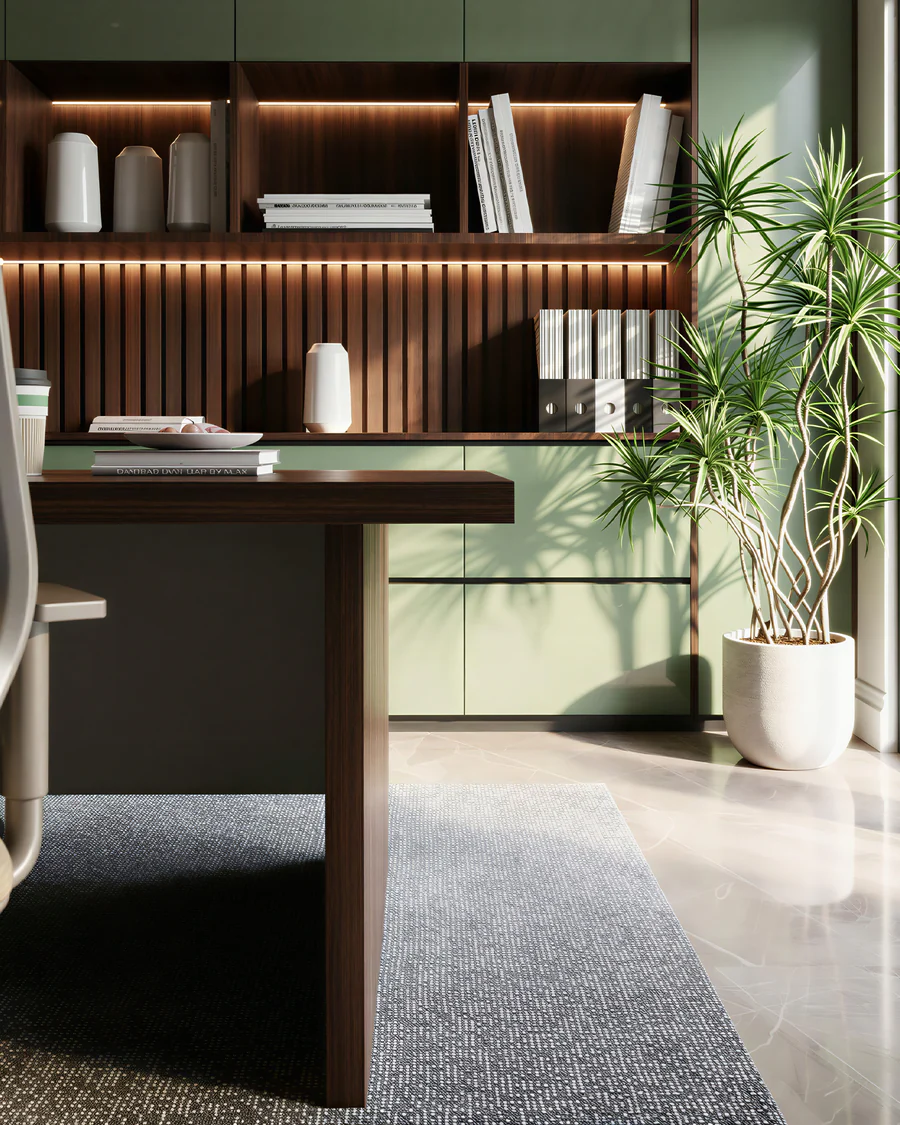
Built-in bookcases and library walls for a study
A wall of books adds instant character. How to plan built-in bookcases that hold your collection, show what you love and still look calm.
4 min read Read article